

Fanya H.
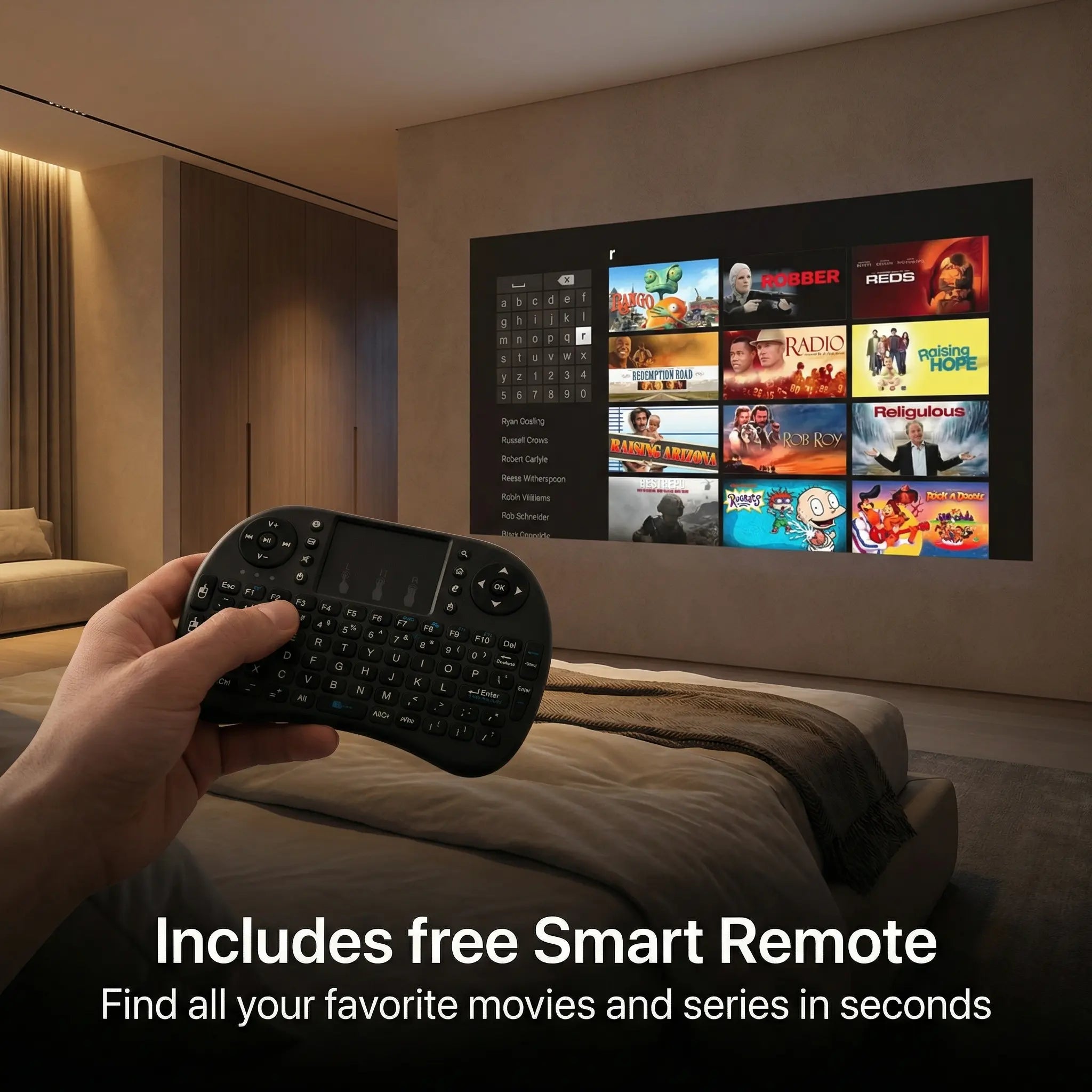
Really nice little projector! Picture is bright, crisp and clear! Remote makes things easy.
Your bedroom cinema — anywhere you want it.


Don't have a white wall?
Free shipping on every order.
We are so confident that you will love our products as much as we do. That’s why we offer a 100% risk-free money-back guarantee.
If you are not completely satisfied with your Zoomly projector, you can return it within 60 days of purchase for a full refund — no questions asked.
 Pro Max
 Pro Max
Precision Optics. LED Light Engine.

785 VERIFIED REVIEWS

"Really nice little projector! Picture is bright, crisp and clear! Remote makes things easy."

"10 out of 10! This worked perfectly and has a great picture. Setup was super easy."

"The picture is pretty clear and the sound is pretty good. I need it for a party."

"What more do you want from this projector!!!! It’s affordable, portable, easy to set up."

"I love this projector, it is really good. I think it’s worth it to buy."

"You can watch tv and movies on it just fine — it’s a decent projector."

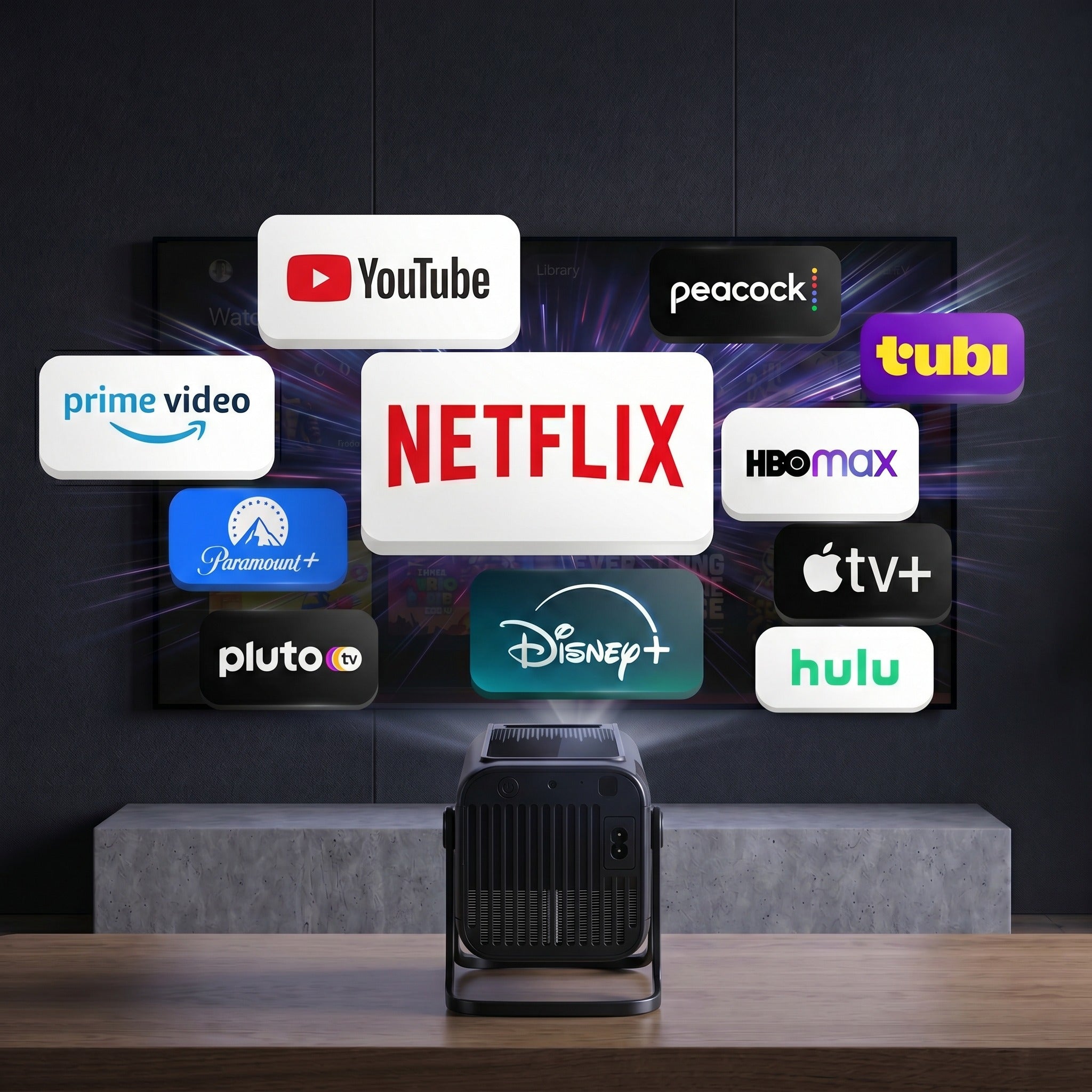
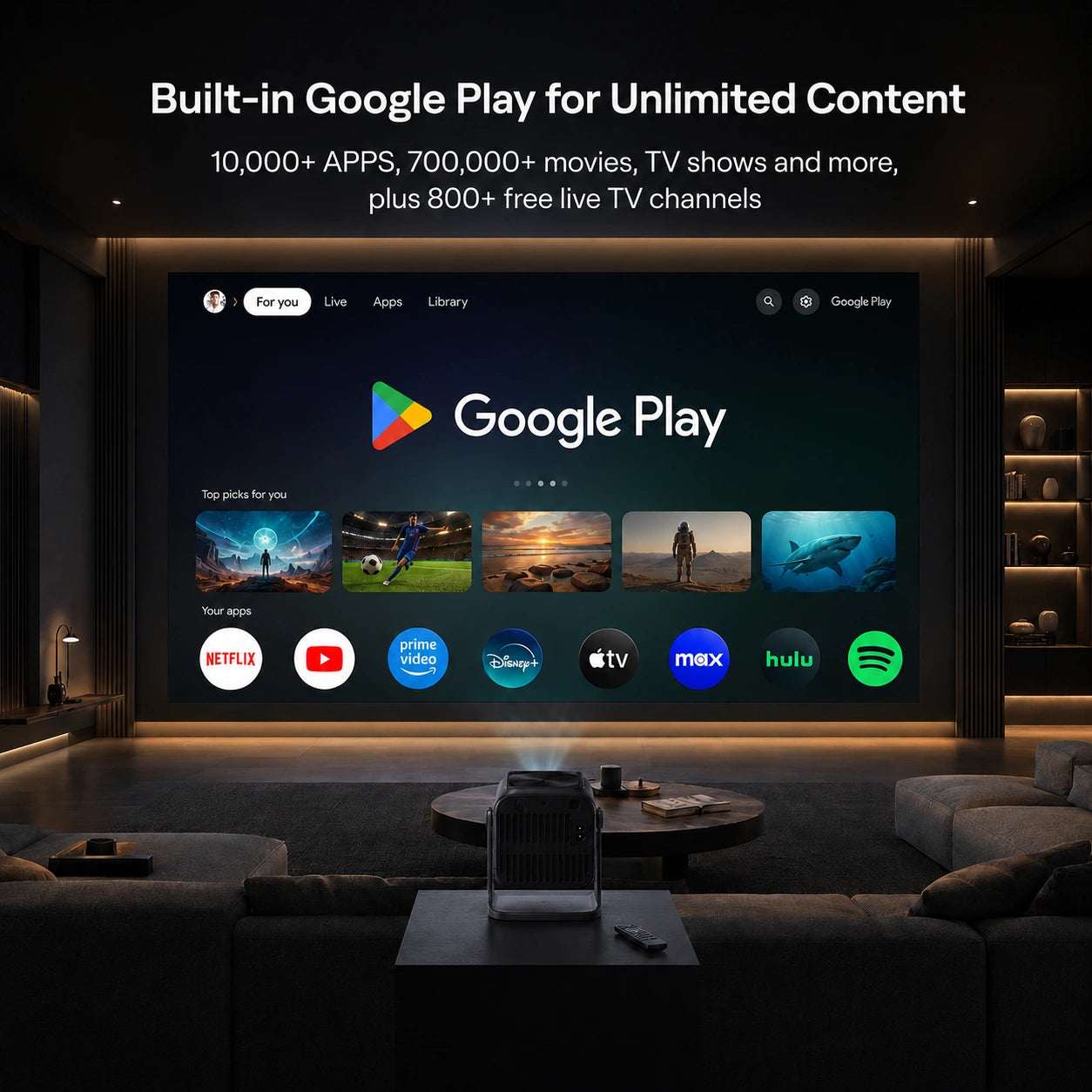
"Made our movie night more easier with the setup! Netflix is built in. Worked flawlessly!"

"I contacted product support — they sent a replacement in days. Six stars if possible."

"Used this for a backyard movie setup last summer and it was a hit. Projects a large image clearly, audio through an external speaker made it feel like a proper outdoor cinema."

"Best Buy of 2025 easy. I love it"

"Really impressed. Noticeably brighter than other projectors I’ve tried."

"Awesome buy. Great picture."
Zoomly Pro Max · 270° Stand
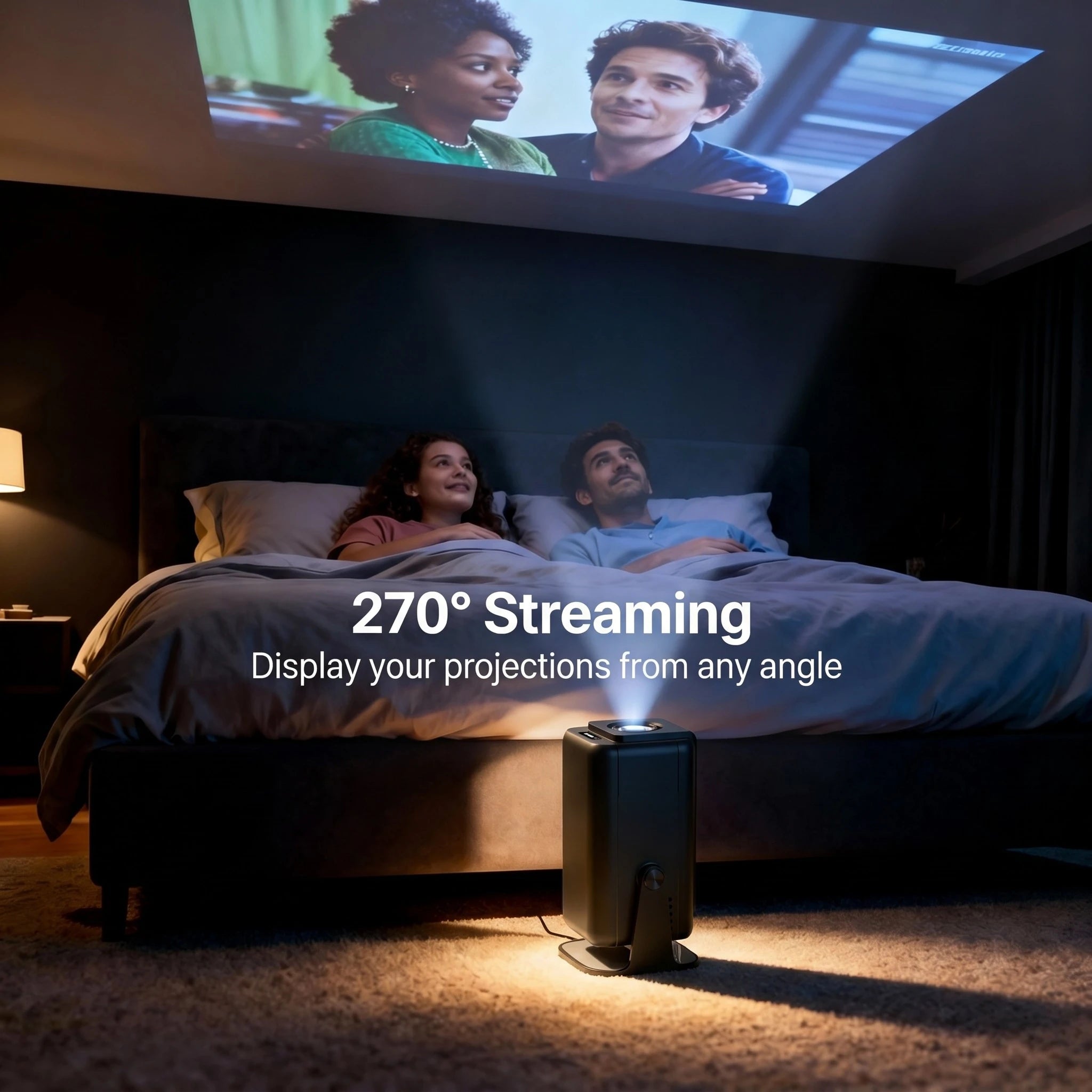
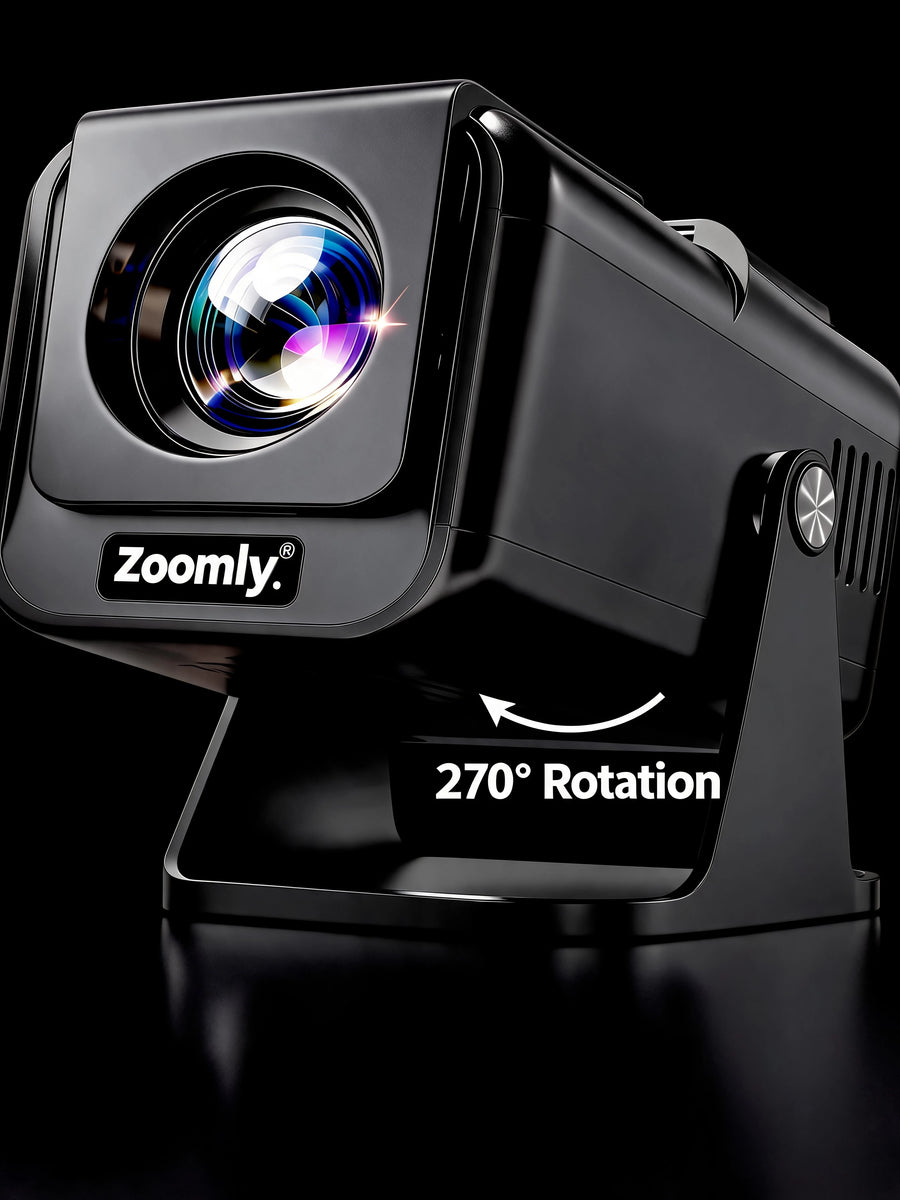
The stand turns a full 270°, so the picture travels from your wall straight onto the ceiling in one move. However far you tilt it, the image squares itself up automatically — nothing to stack it on, no corners to drag straight.
Zoomly Pro Max · Side by Side
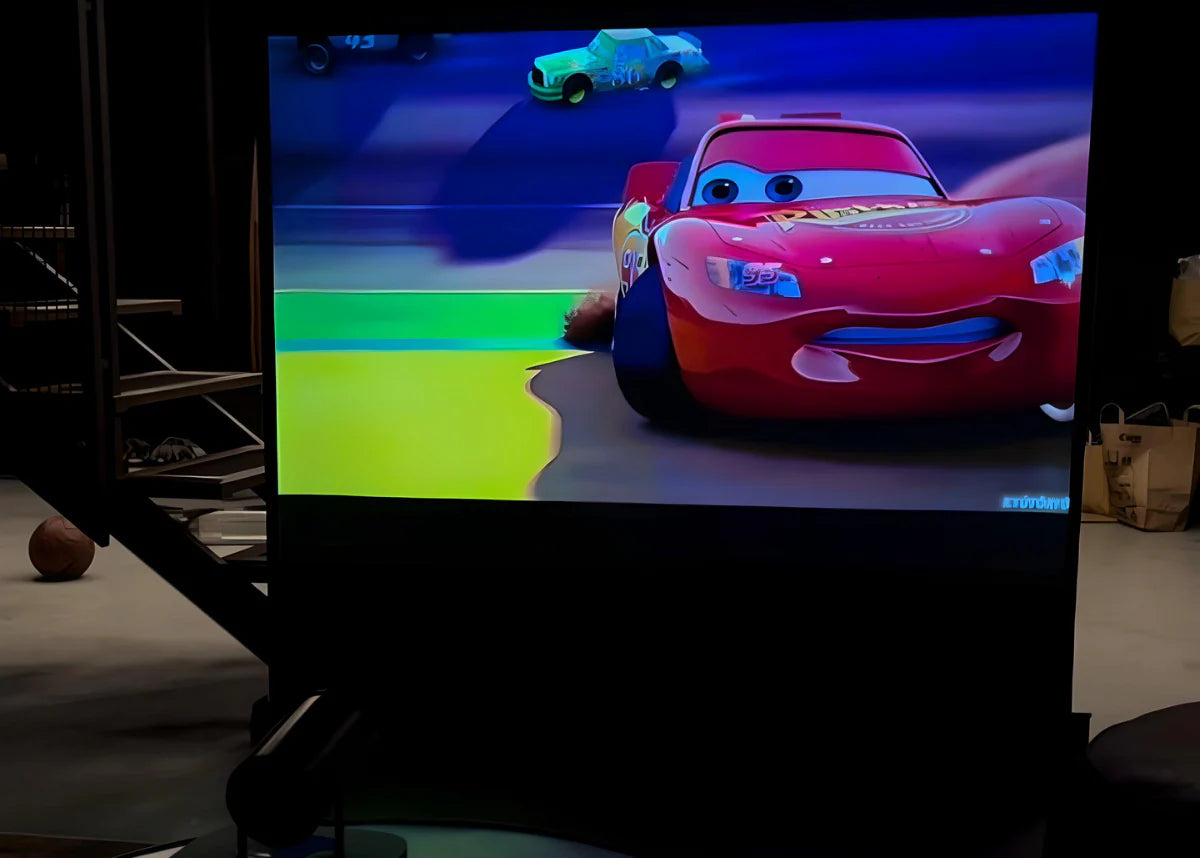
Blurry images, lag, weak brightness — that is what cheap copies give you. Drag the handle and see the difference for yourself.
 FakeAuthentic


Audio
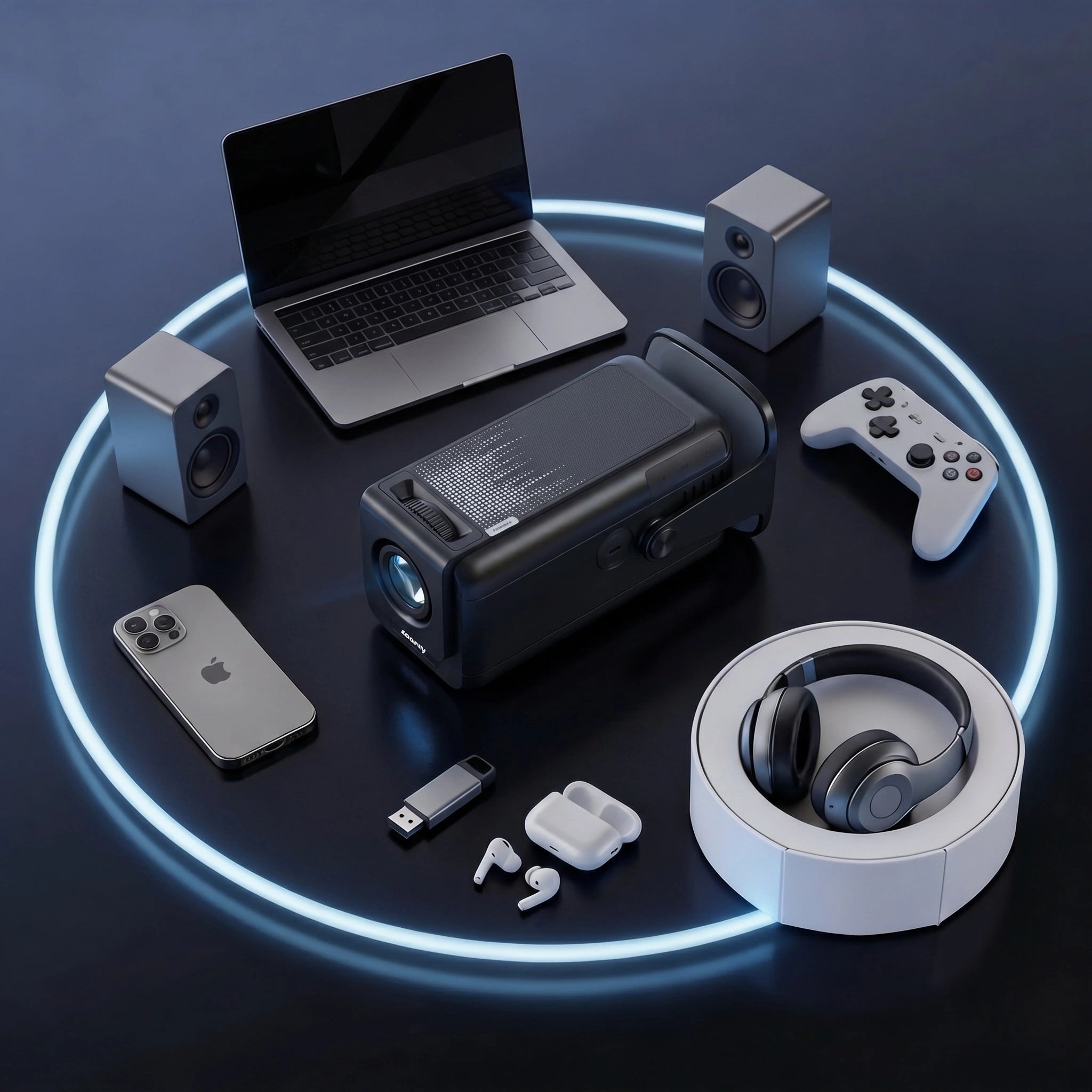
Connect any Bluetooth audio device in seconds — headphones, speakers, soundbars.
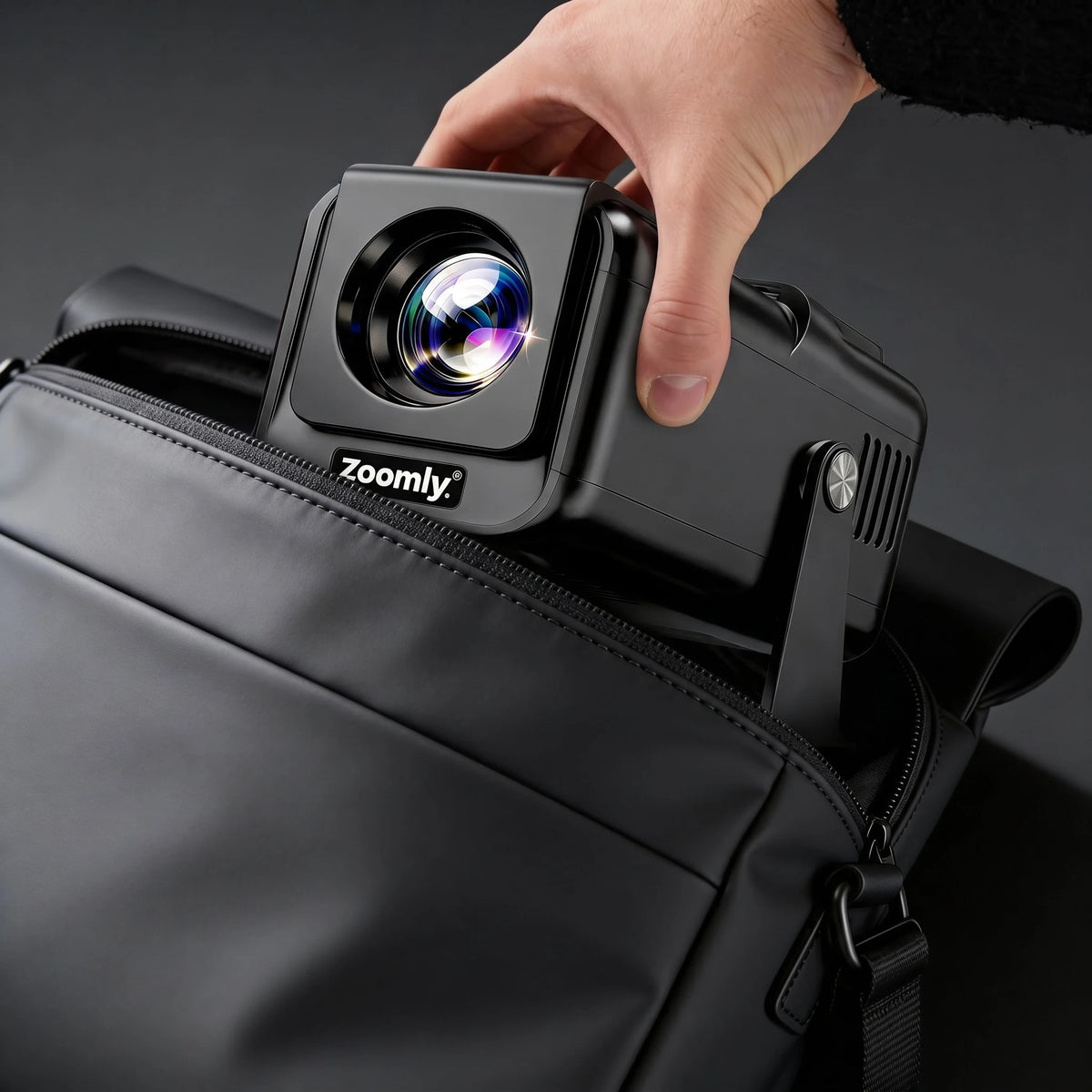
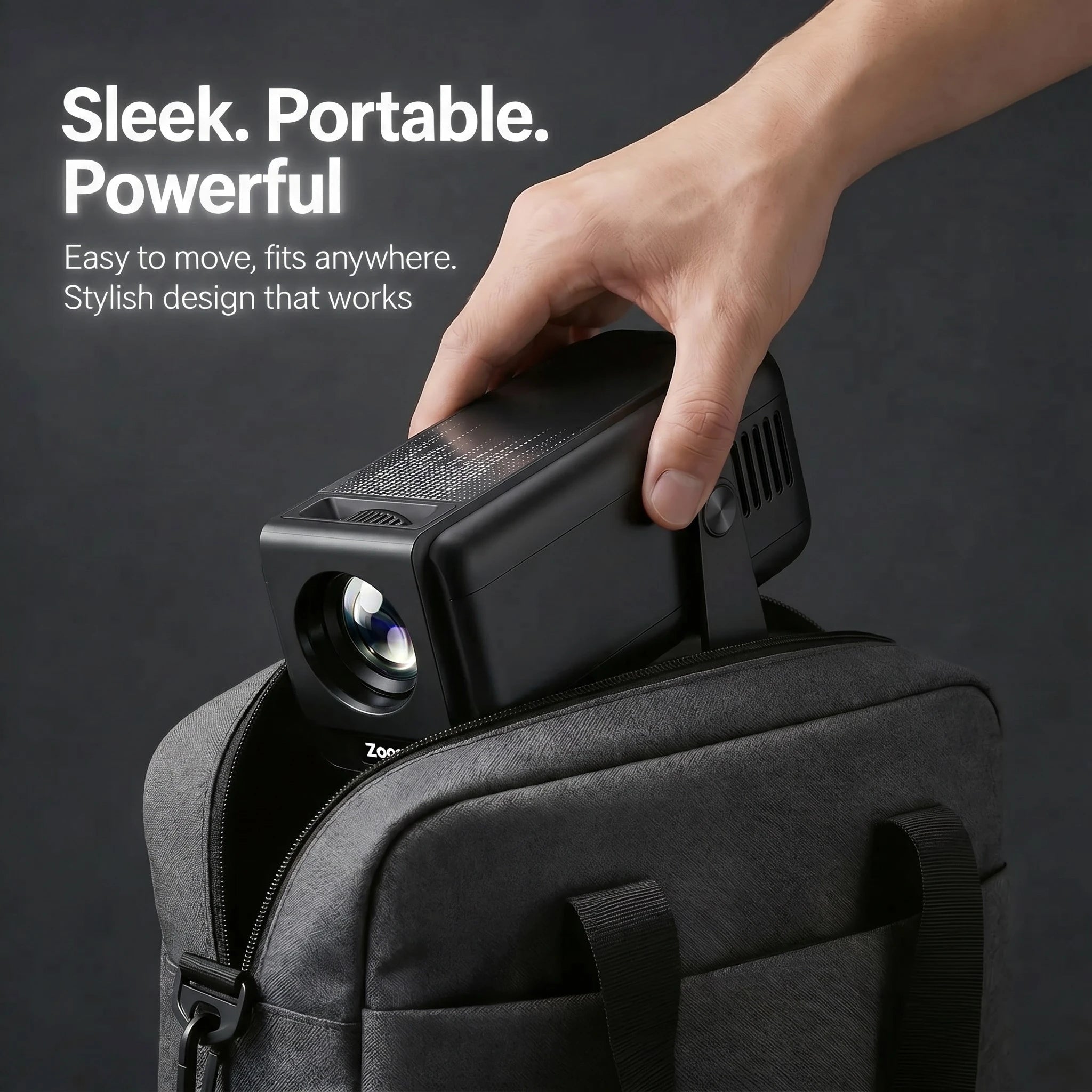
Light enough to slip into a bag and take with you — a weekend away, a campsite, a friend's garden. Plug it in, the image auto-focuses, you're watching. No mounting, no cable mess.
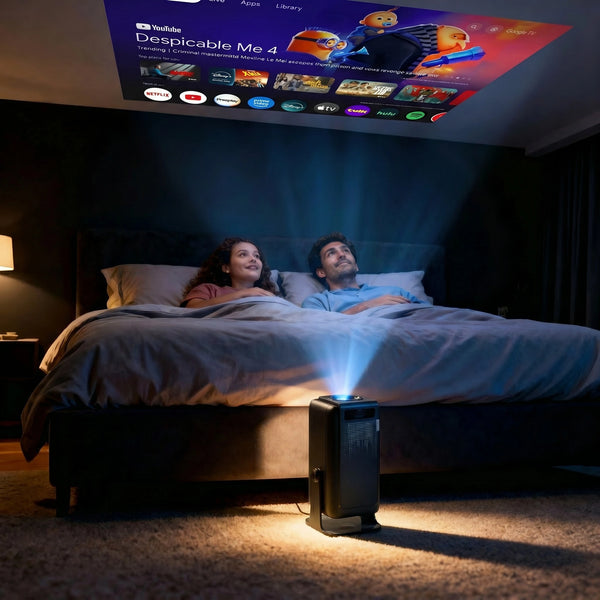
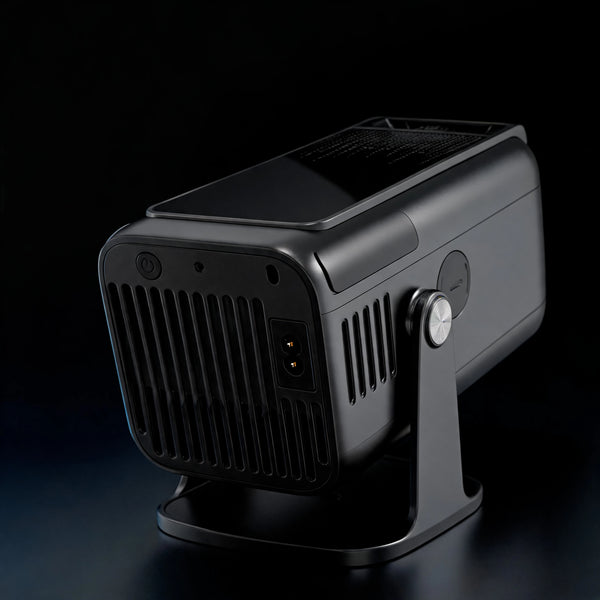
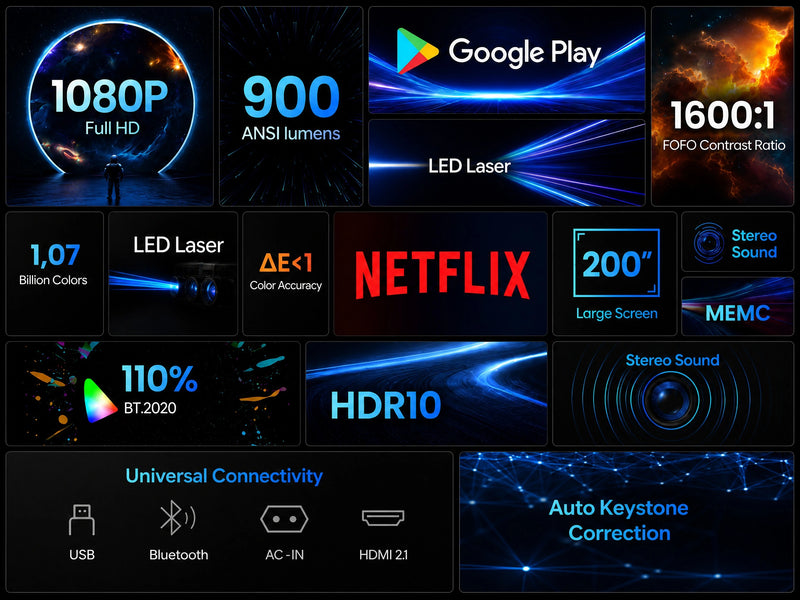
Bedroom binges. Living room movie nights. Kids' rooms, garden screenings. Pro Max projects 40" to 200" on any flat surface — wall, ceiling, sheet, screen. Place it down, power on, watch.
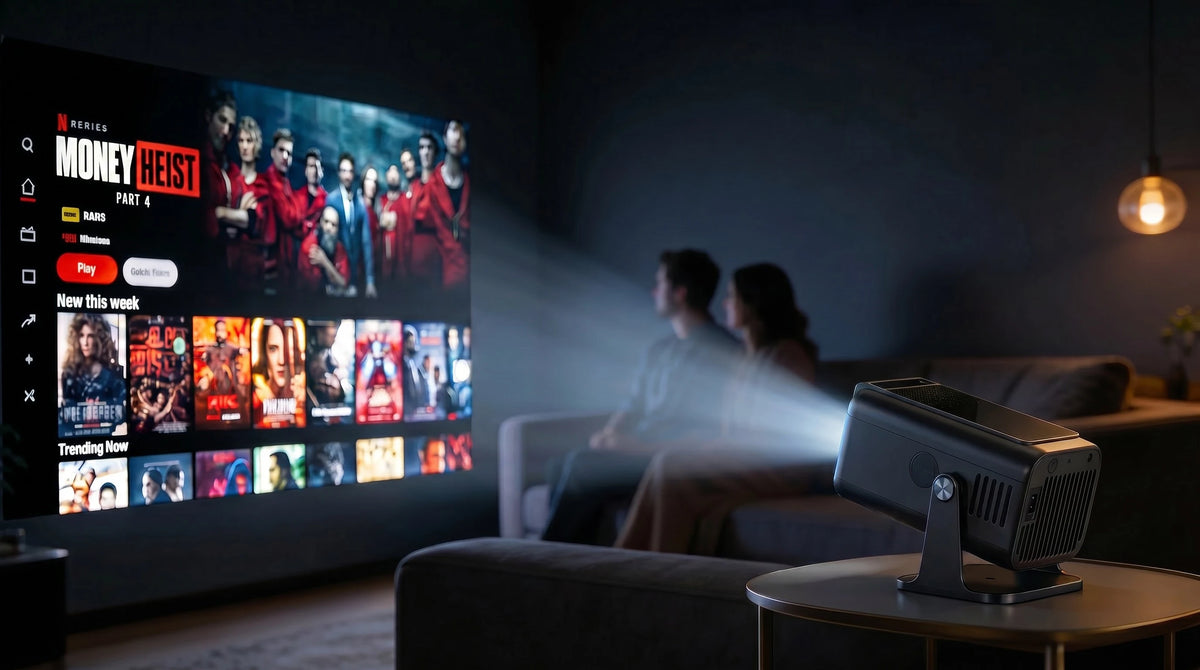
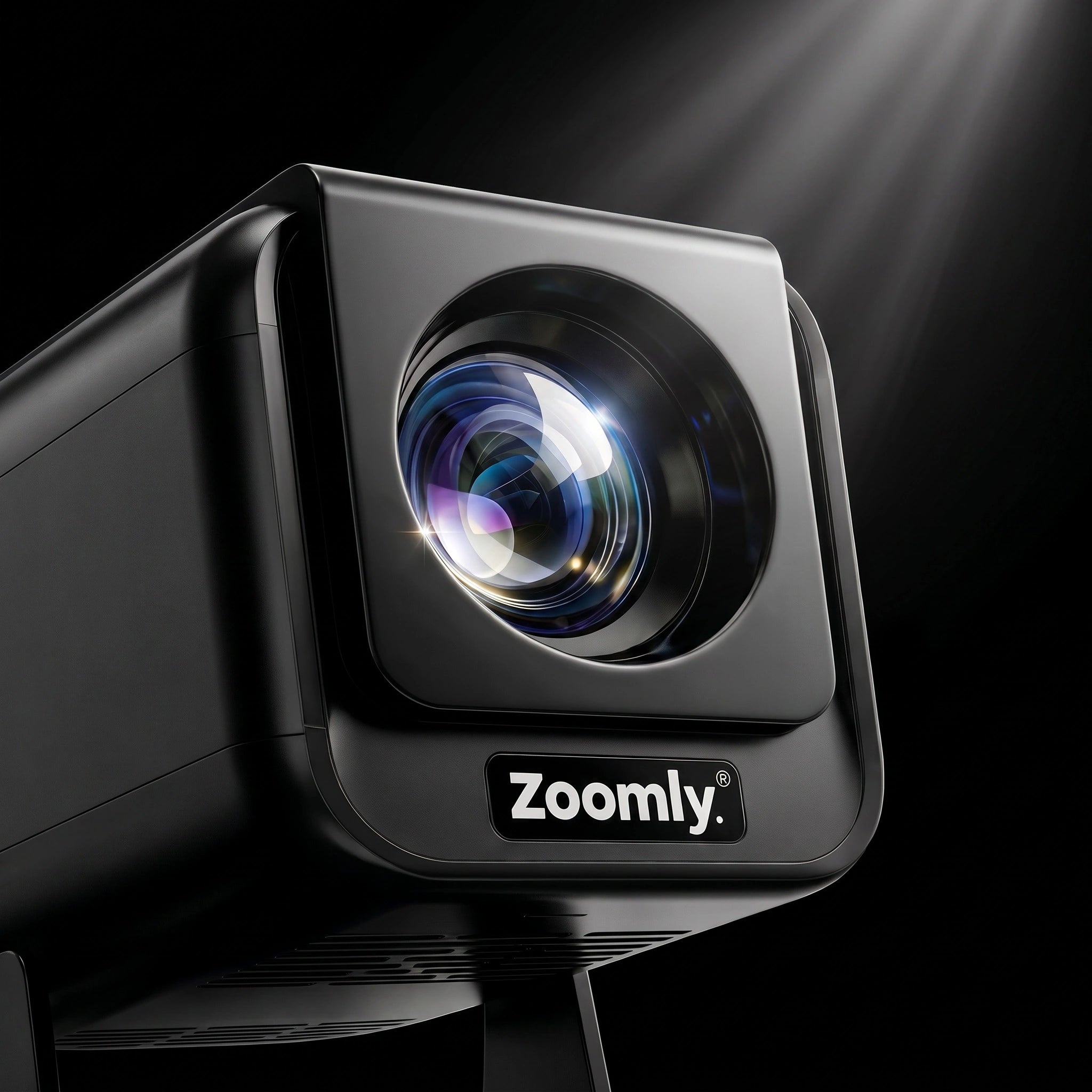
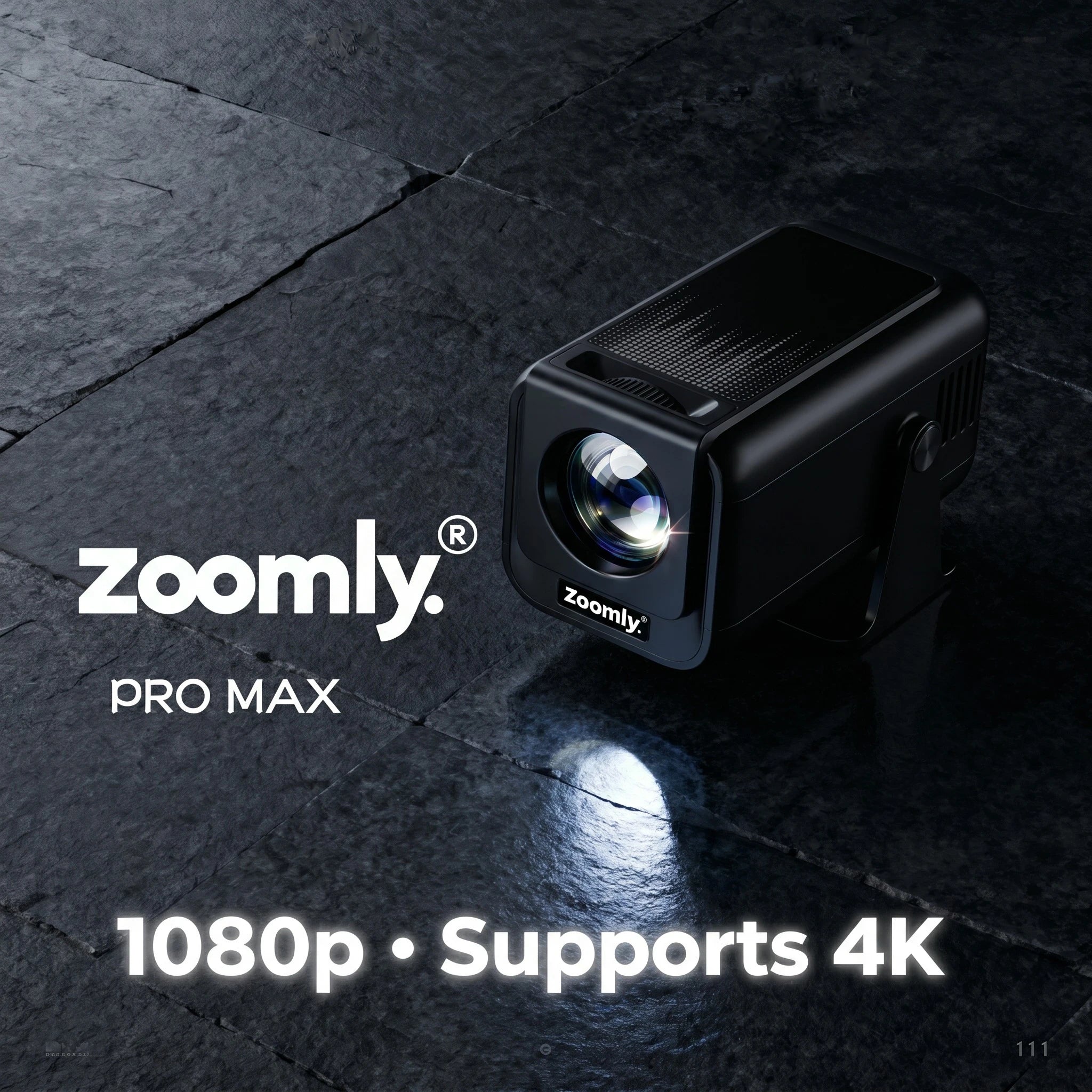
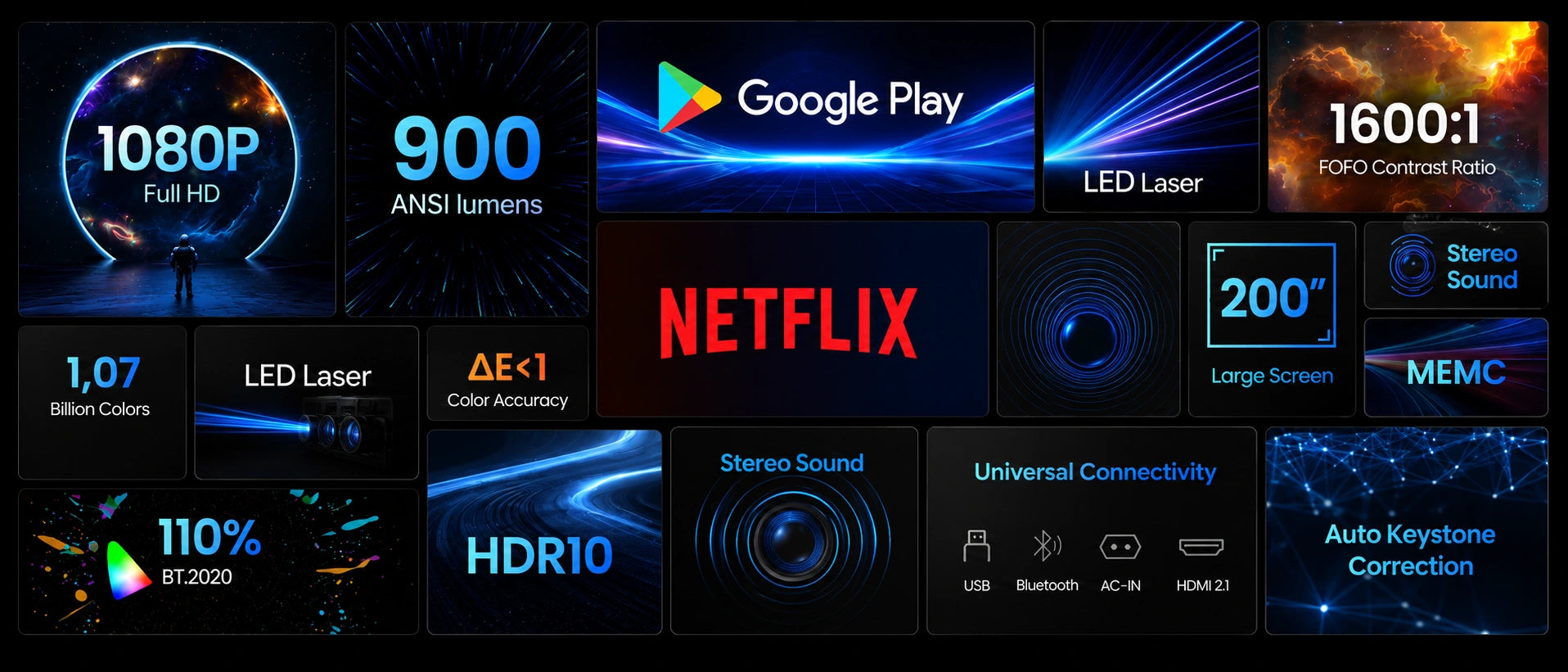
Native Full HD 1920×1080 — every frame sharp, every detail clean. 900 ANSI lumens for vivid colour. 4K input supported for high-bitrate streams. The picture you'd expect from a projector twice the price.
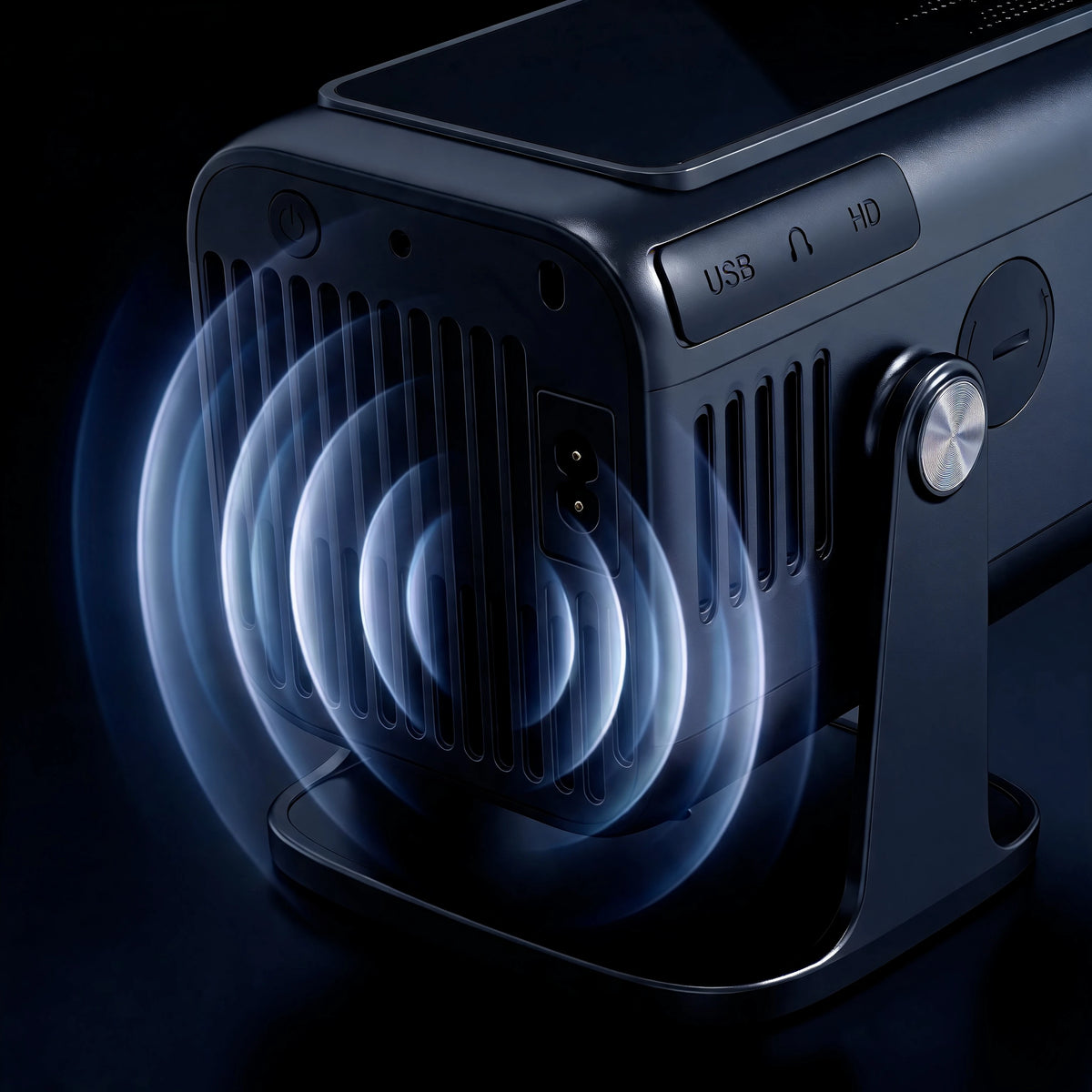
Stereo speakers with enough output to fill a bedroom or backyard. For more, connect a Bluetooth speaker, soundbar, or headphones. Audio works the moment you press play — nothing extra to set up.
Zoomly Pro Max · Box Design
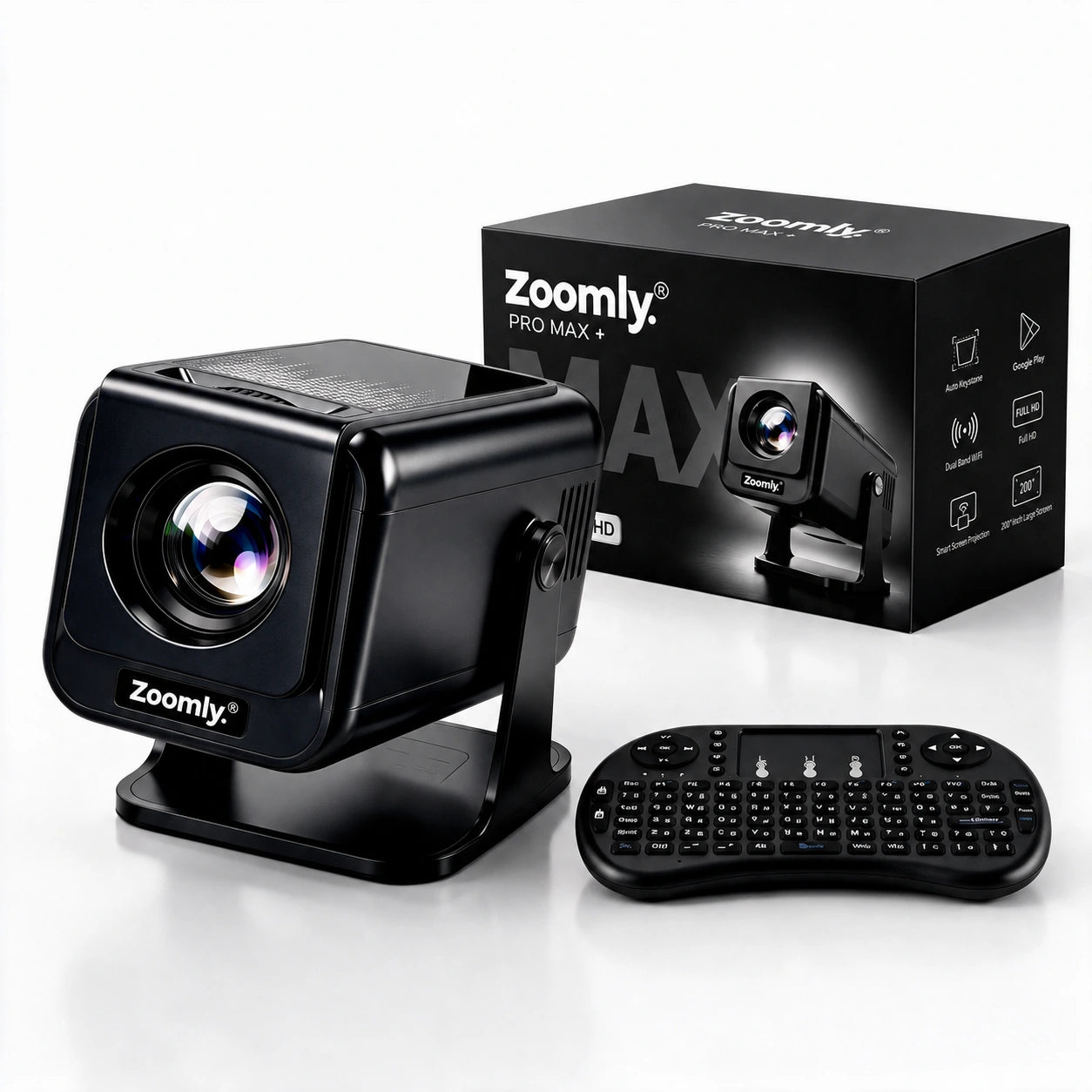
The Pro Max arrives in a matte black box that already looks like a present. Everything sits in its own moulded place inside, so it survives the trip and still looks the part the moment it is opened.


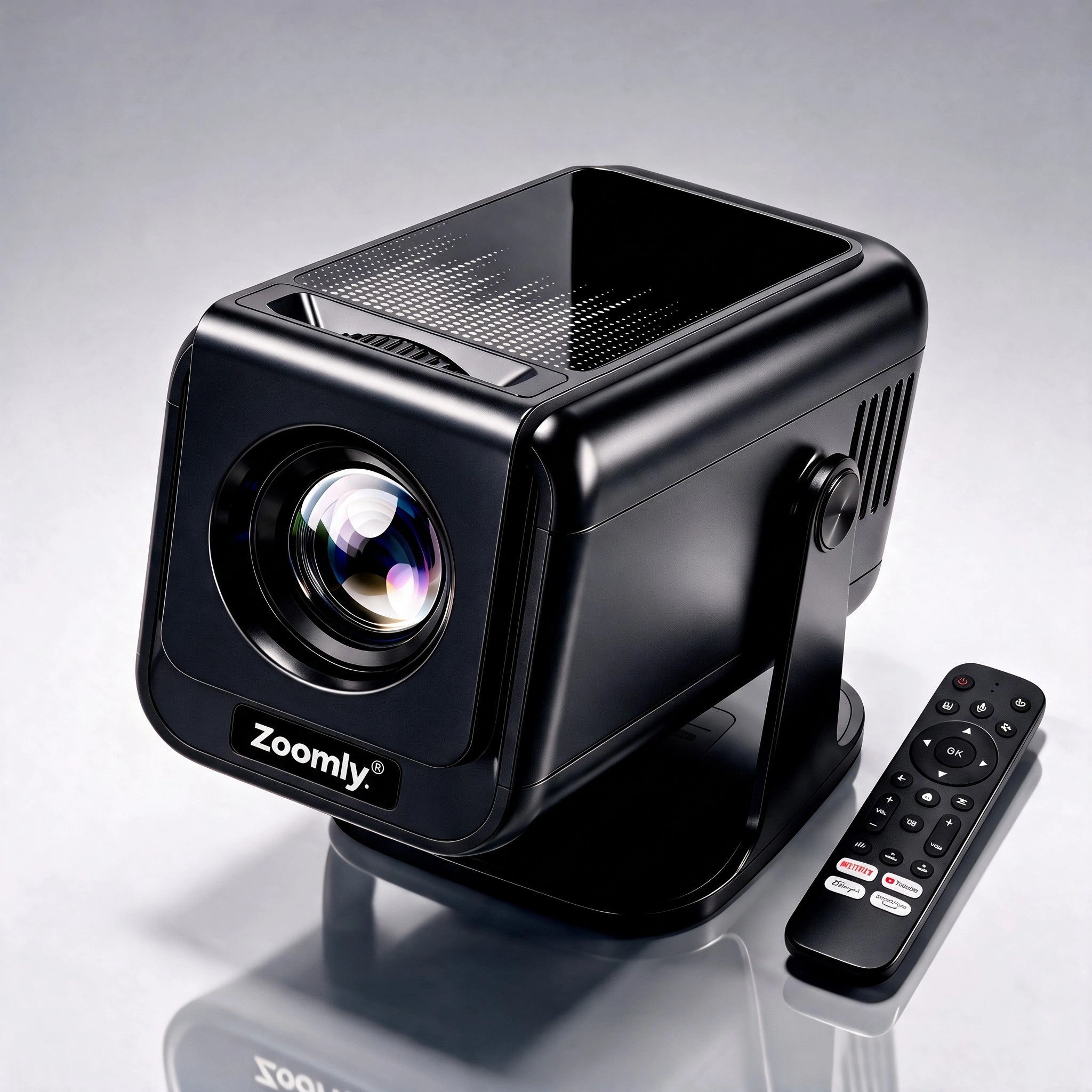
Zoomly® Pro Max
Each Zoomly® Pro MAX package includes:
Limited-time :
Everything you need to get started right away.
It’s made for it. This compact movie projector sits on a nightstand or shelf — and with auto keystone you can even project onto the ceiling and watch from bed. Dim the lights for the best picture.
Yes — once it gets dark, the Pro Max projects a great big picture outside on a screen or wall. Keep in mind it has no built-in battery, so you’ll need a power outlet nearby (or a power station when camping).
No. The Zoomly® Pro MAX does not have a built-in battery and needs to be connected to a power source during use. This ensures stable performance and consistent brightness.
Setup only takes a few minutes.
Yes. You can watch content without Wi-Fi by:
Wi-Fi is only required for streaming apps and wireless features.
Make sure both devices are connected to the same Wi-Fi network.
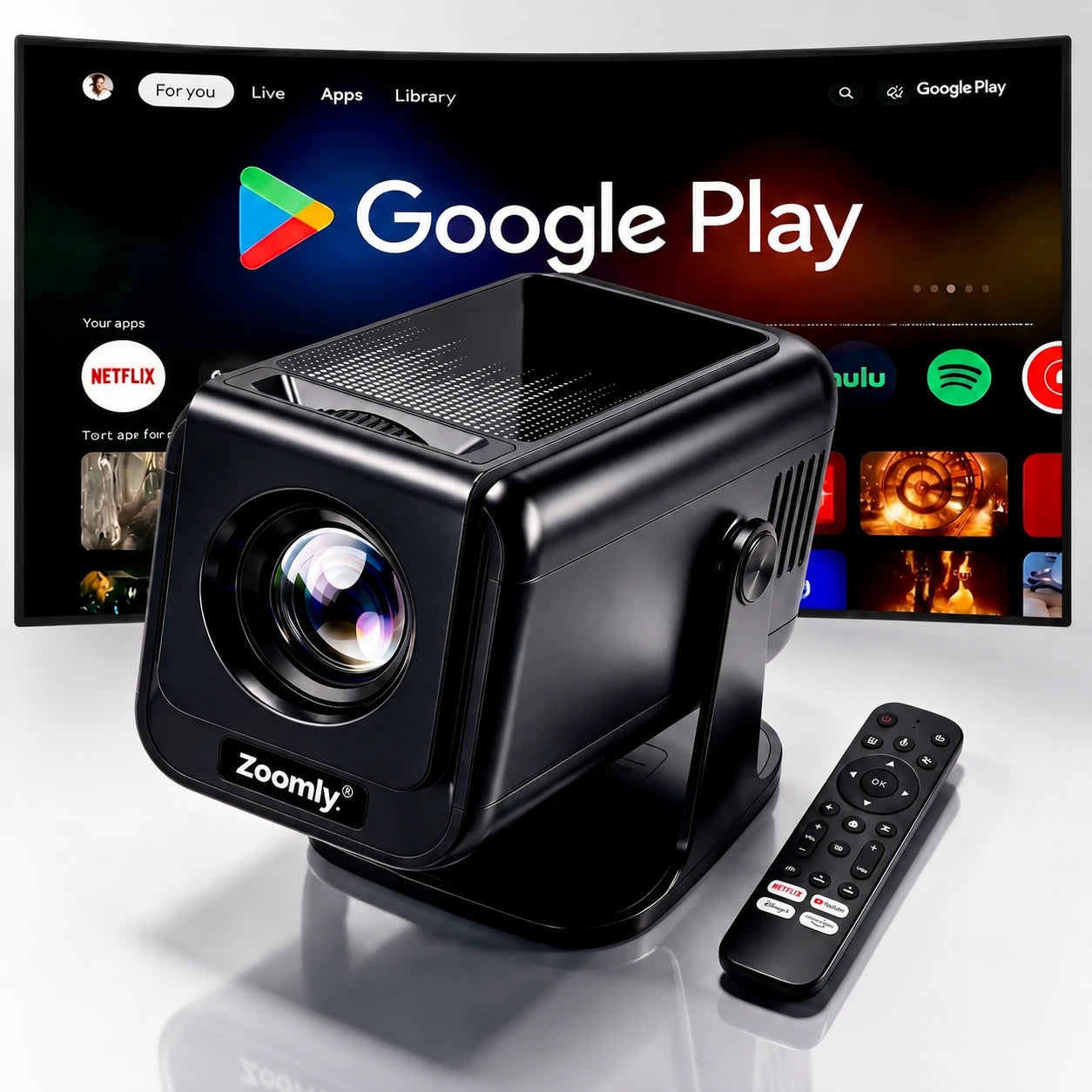
Yes. The Zoomly® Pro MAX already comes with built-in smart features, so a streaming stick is not required for most users.
However, if you prefer using your own streaming device, you can simply plug it into the HDMI port and select the HDMI input. The Zoomly® Pro MAX works seamlessly with external streaming devices.
Yes. The Zoomly® Pro MAX supports Bluetooth audio devices.
Go to Settings → Bluetooth, pair your device, and enjoy enhanced sound.
Yes. In the system settings you can select your preferred default input, such as HDMI, so it starts automatically after booting.
Use the manual focus ring on the projector to fine-tune image sharpness until the picture is clear.
Go to Settings → Keystone Correction and adjust the image alignment horizontally to straighten the picture.
Brightness settings can be adjusted in the projector’s display settings to match your room lighting.
Yes. Rear projection can be enabled in the display settings.
No separate stand is needed. The projector has a built-in adjustable base that allows you to rotate it up to 270°, so you can easily project on walls or even the ceiling.
Yes. The Zoomly® Pro MAX comes with a 1-year warranty.
If you experience any issues, our support team is ready to help.
If you have any questions, you are always welcome to contact us. We'll get back to you as soon as possible, within 24 hours on weekdays.
Shipping Information
Shipping usually takes 3–8 days.
You’ll receive tracking details once your order is shipped.
Customer Support
Our support team is available to assist you with any questions or concerns.
FAQ’s
Browse our FAQ page for answers to common questions about our products.
Contact Us
Use our contact page to reach out to us directly for support.
Be the first to hear about our best deals, new projectors and setup tips.
You're in! Check your inbox.
Our best deals and setup tips are on their way.