


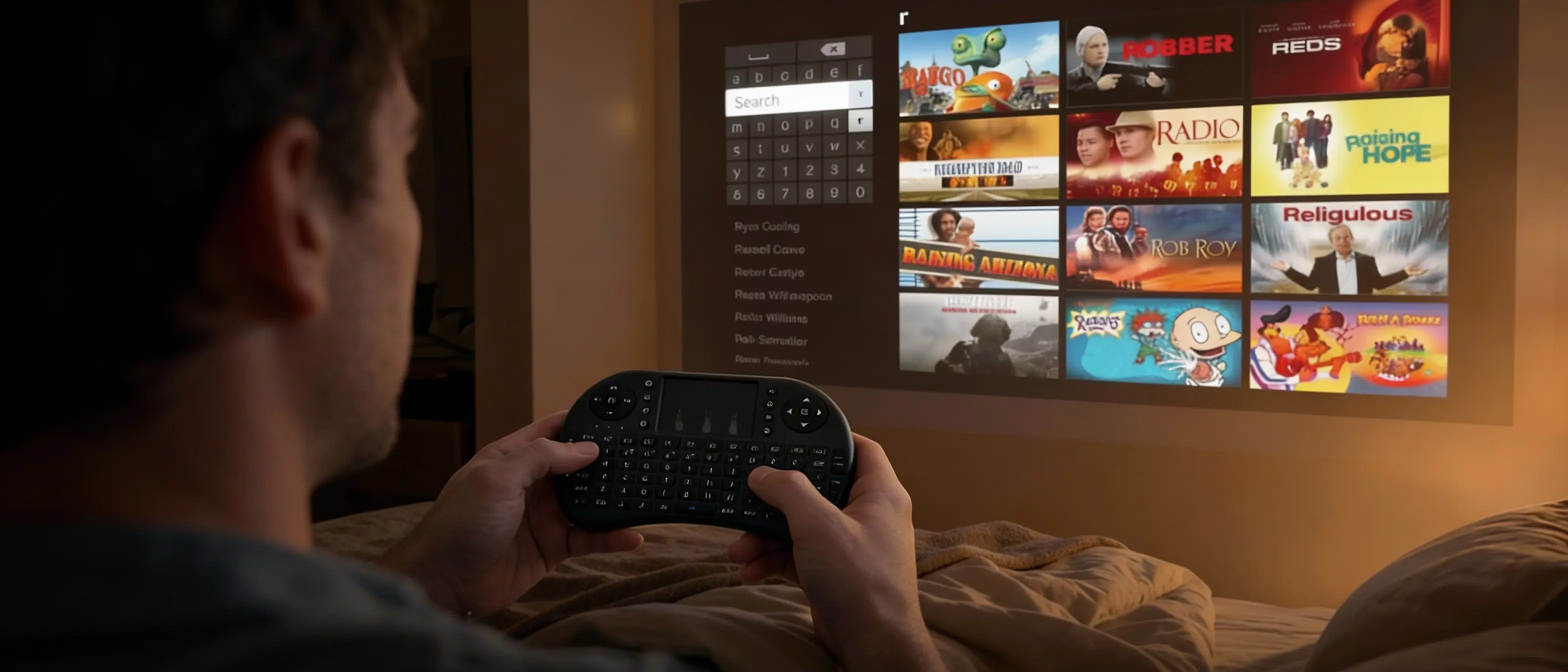
If you’ve ever used a smart projector, you’ve probably had this moment: you’re excited to watch something… and then you have to type.
We know we’re not the only ones whose eyes glaze over when the on-screen keyboard appears. Because with a normal remote, searching for a movie or entering a password turns into the same routine every time:
Up… down… left… right… select. Up… down… left… right… select.
It takes forever — and it instantly ruins the relaxed projector experience you were looking forward to. That’s exactly why a smart remote with a keyboard and touchpad is such a big upgrade.
What Is a Smart Remote (and Why Does It Matter)?
A smart remote is designed for modern projector use — streaming apps, searches, logins, and smooth navigation. Instead of only arrow buttons, it includes:
- A full keyboard for fast typing
- A touchpad for smooth cursor control
The Problem with Normal Remotes
Standard projector remotes work for basic controls, but become frustrating when using smart features.
- Slow searching inside apps
- Painful password typing
- Endless clicking through letters
- Frequent misclicks
Why the Keyboard Is a Game-Changer
With a keyboard, typing becomes instant. Movie titles, emails, passwords, and searches can all be entered naturally.
Up… down… left… right… back… select…
Just type and go.
How the Touchpad Makes Navigation Feel Modern
The touchpad works like a laptop trackpad, giving you smooth and precise control over menus and apps.
Benefits of a Smart Remote
- Faster Searching: Find content in seconds
- Easy Logins: No frustration with passwords
- Smoother Control: Natural navigation
- Less Stress: Enjoy your projector instead of fighting it
Meet the Zoomly Smart Remote
The Zoomly Smart Remote is built to eliminate the frustration of traditional remotes and unlock the full potential of your smart projector.

Final Thoughts
Projectors have become smarter, but many remotes haven’t kept up.
A smart remote with keyboard and touchpad is one of the simplest upgrades that completely changes the experience.
If you’re tired of endlessly clicking up, down, left, and right just to search for something — this is the solution.



Share: