



Tech explained
1080p vs 2K vs 4K Projector: When the Upgrade Is Worth It
Is a 4K projector worth it? Screen size, seating distance, native resolution, and brightness decide, and 2K sits only a little above 1080p.

On this page
- What do 1080p, 2K, and 4K actually mean?
- What is the difference between native 4K and "4K supported"?
- Can you really see the difference at your screen size?
- Does brightness matter as much as resolution?
- Where does 2K fit in?
- Zoomly Pro Elite vs Pro Max: which resolution do you need?
- Frequently asked questions
4K is worth it when the picture is large, around 100 inches or more, and you sit close enough to see the extra detail. On smaller pictures or from farther back, 1080p looks very similar. 2K sits only slightly above 1080p. Native resolution matters most, so check that the projector does not just accept a 4K signal.
What do 1080p, 2K, and 4K actually mean?
Resolution is the number of pixels that make up the picture. More pixels mean finer detail, as long as the picture is big enough and you are close enough to see it.
| Name | Pixels | Total pixels | Notes |
|---|---|---|---|
| 1080p (Full HD) | 1920 x 1080 | About 2.1 million | The standard for most home projectors |
| 2K | 2048 x 1080 (cinema standard) | About 2.2 million | Barely wider than 1080p. Some brands use "2K" for 2560 x 1440, so check the spec sheet |
| 4K (UHD) | 3840 x 2160 | About 8.3 million | Four times the pixels of 1080p |
The step from 1080p to 2K is small. The step from 1080p to 4K is large: four times as many pixels.

What is the difference between native 4K and "4K supported"?
This is the most common trap. A projector that is "4K supported" or "4K input" can accept a 4K video signal, but it displays the picture at a lower resolution, usually 1080p. A native 4K projector actually has the full 3840 x 2160 pixels on its imaging chip.
Some projectors use pixel shifting. They move a lower-resolution chip very quickly to simulate more pixels. That can look sharper than plain 1080p, but it is not the same as native 4K.
When you read a spec sheet, look for the words "native" and the chip resolution. The Zoomly Pro Elite is native 4K. The Zoomly Pro Max is native 1080p (Full HD).
Can you really see the difference at your screen size?
It depends on picture size and how far you sit. With normal eyesight, you stop seeing individual pixels beyond a certain distance. Inside that distance, extra resolution shows. The table gives rough figures for a 16:9 picture.
| Picture size | 1080p: pixels visible closer than | 4K: pixels visible closer than |
|---|---|---|
| 80" | 10.4 ft (3.2 m) | 5.2 ft (1.6 m) |
| 100" | 13 ft (4.0 m) | 6.5 ft (2.0 m) |
| 120" | 15.6 ft (4.8 m) | 7.8 ft (2.4 m) |
| 150" | 19.5 ft (5.9 m) | 9.7 ft (3.0 m) |
Read it like this: on a 100" picture, if you sit closer than about 13 ft (4 m), a 4K projector can show detail that 1080p cannot. Most living-room seating is 8 to 12 ft away, so on a picture of 100" or more, 4K is visible.
On an 80" picture from a bedroom bed, 1080p is already close to the limit of what your eyes resolve. These are rules of thumb, not lab results, and everyone's eyes and content differ.
Does brightness matter as much as resolution?
Often more. A sharp 4K picture in a bright room looks washed out, and a 1080p picture in a dark room can look better than a 4K one in the afternoon.
Compare brightness in ANSI lumens. There are two ways to measure lumens. ANSI lumens are measured to a standard method and are the number to compare. "Light-source" lumens, sometimes called marketing lumens, are measured differently and come out much higher, so the two cannot be compared. Always check which one a spec sheet quotes.
The Pro Elite is rated at 2,000 ANSI lumens and the Pro Max at 900 ANSI lumens. No projector in this class beats direct daylight, so plan for a dim or dark room in either case. For setup advice, see our projector screen vs wall guide.
Where does 2K fit in?
As a rule, 2K is a small step above 1080p. The cinema 2K standard is only about 7 percent wider, which most people cannot see in a living room. If a "2K" projector uses 2560 x 1440, that is a more visible step, but still well short of 4K.
The Zoomly Pro Ultra is a 2K model. Check its product page for the full specifications.
Zoomly Pro Elite vs Pro Max: which resolution do you need?
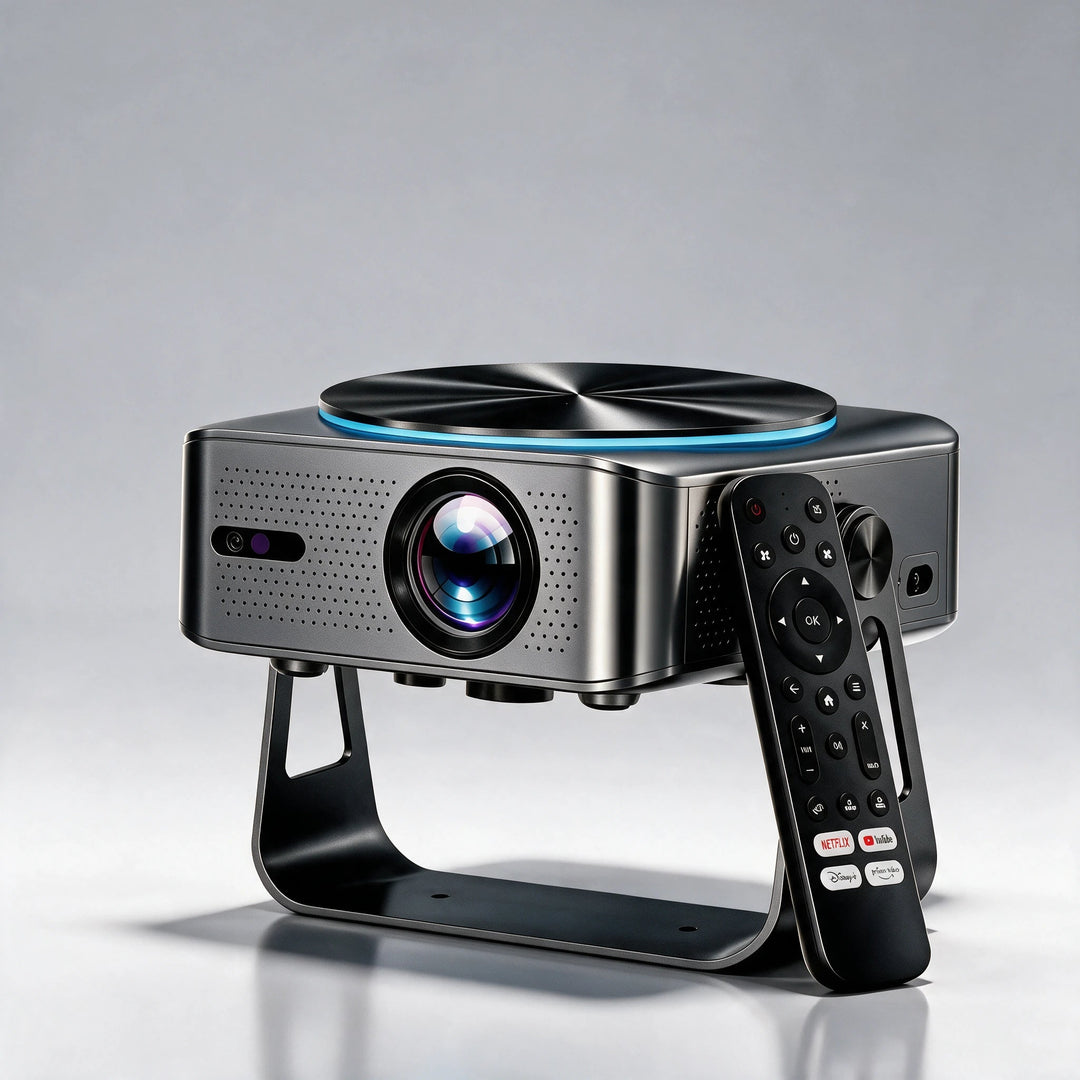
The Pro Elite is native 4K with 2,000 ANSI lumens, autofocus, and auto keystone. It suits larger pictures, from about 100" up, and viewers who sit within the distances in the table above.
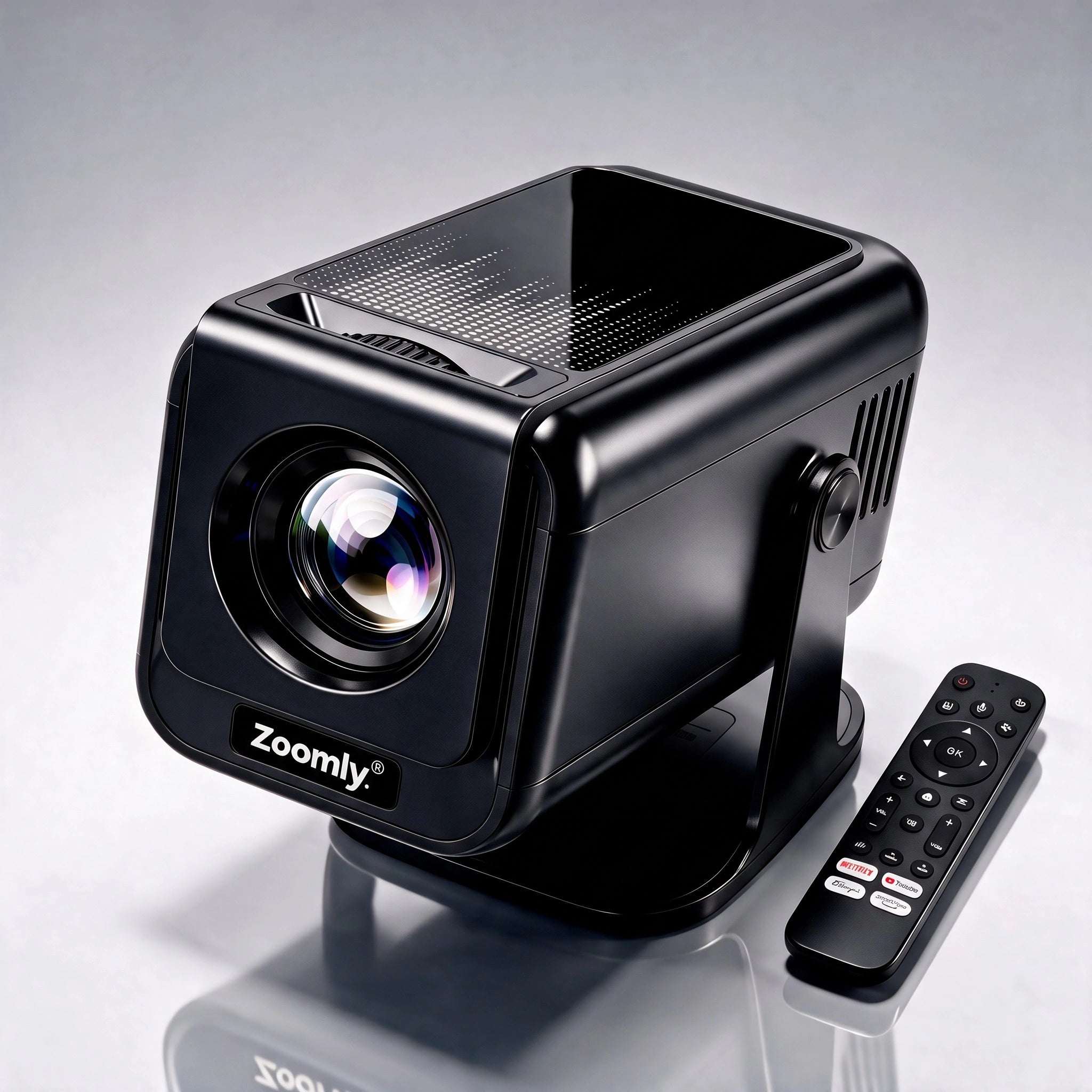
The Pro Max is native 1080p with 900 ANSI lumens, manual focus, and auto keystone. It fits smaller rooms and pictures up to about 100", where 1080p already looks sharp.
Both run Netflix natively. If you are unsure how big a picture your room allows, our projector distance guide has the numbers for both models.
Frequently asked questions
Can I see the difference between 1080p and 4K at 100 inches?
Yes, if you sit closer than about 13 ft (4 m) and the content is real 4K. Beyond that distance, the difference shrinks to the point where most people cannot tell.
Is 2K better than 1080p?
Slightly. Cinema 2K (2048 x 1080) adds a few more pixels across, which is hard to notice. Some "2K" projectors use 2560 x 1440, which is a visible but moderate step.
What is pixel shifting?
It is a technique where the projector shifts a lower-resolution chip rapidly to display more detail than the chip alone could. The result is sharper than 1080p but not equal to native 4K.
Do I need 4K content to benefit from a 4K projector?
You get the most from native 4K sources. Lower-resolution video is upscaled, which usually looks smoother on a 4K projector but does not add real detail.
Does a 4K projector need a special screen?
No. Any smooth, flat white surface works. A textured wall can hide fine detail on a large picture, which matters more with 4K.
Products in this guide
Zoomly® Pro Max Smart Projector
Zoomly® Pro Elite 4K Smart Projector

Zoomly® Pro Ultra 2K Smart Projector
Keep reading

What Is Auto Keystone? How It Fixes a Slanted Projector Image
Auto keystone straightens a slanted projector image automatically. Here is how it works, what it costs in sharpness, and how to need less...

How Far Should a Projector Be From the Screen? Throw Distance Chart
Find the right projector distance for any picture size, with the formula, a worked example, and official distance charts for the Pro Elit...

Projector for a Bedroom: Size, Brightness, Ceiling and Noise
A bedroom is a good place for a projector because you can make it dark. Pick the picture size from your distance, then place the projecto...